
The trading industry is becoming more advanced and helpful for traders, beginners and professionals. For instance, many platforms, including TradingView, now offer mobile and desktop options. Each option has its specific benefits that can help traders develop their trading portfolio moving forward.
In this article, we’ll discuss the pros and cons of TradingView on mobile and desktop.
TradingView on Mobile
Nowadays, the use of mobile devices is becoming more popular, especially since people prefer things to be on the go. This includes the use of trading apps on mobile, which can also be used on tablets, to manage trades, monitor the current market conditions, and receive notifications.
Pros
1. Trade Anywhere, Anytime
The most essential part of mobile trading is that you can trade anytime, anywhere. Even if you just want to see if there are alerts, monitor the charts, and manage your trades, you can never go wrong with using it. With just a few taps, you can access what you need.
2. Real-Time Notifications
Are you worried about missing something? Mobile trading can deliver real-time notifications about your trades and the latest news you need to know about. At the same time, you can focus on other tasks, instead of just staring at the trading platform all the time.
3. Clean and Simplified Interface
Nowadays, the interface of mobile devices is becoming more user-friendly, which is why having a TradingView on your phone can help you make informed decisions and quick checks.
4. Great for Monitoring Trades
If you need to be somewhere else and you also have to keep an eye on your trades, the mobile version of the trading platform can be a great option. Besides, there’s no need to wait for a long time before you can see what you need to check.
Cons
1. Limited Screen Space
When it comes to checking some indicators or multiple charts, the mobile version of TradingView may not be the ideal option. Since you have limited screen space, you may not be able to see everything, such as the details you need for an analysis or view the charts side by side.
2. Reduced Functionality
While having the mobile app of the trading platform can be helpful, the tools you can use on a desktop are just limited compared to the desktop version. At the same time, the device you have might not be compatible.
3. Inaccurate Charting
Since you have limited screen space, there’s also a possibility that the charts are less precise than the original version of the trading platform. In addition, other factors may affect the performance of the app, such as internet connection, background apps, and the quality of the phone.
TradingView on Desktop
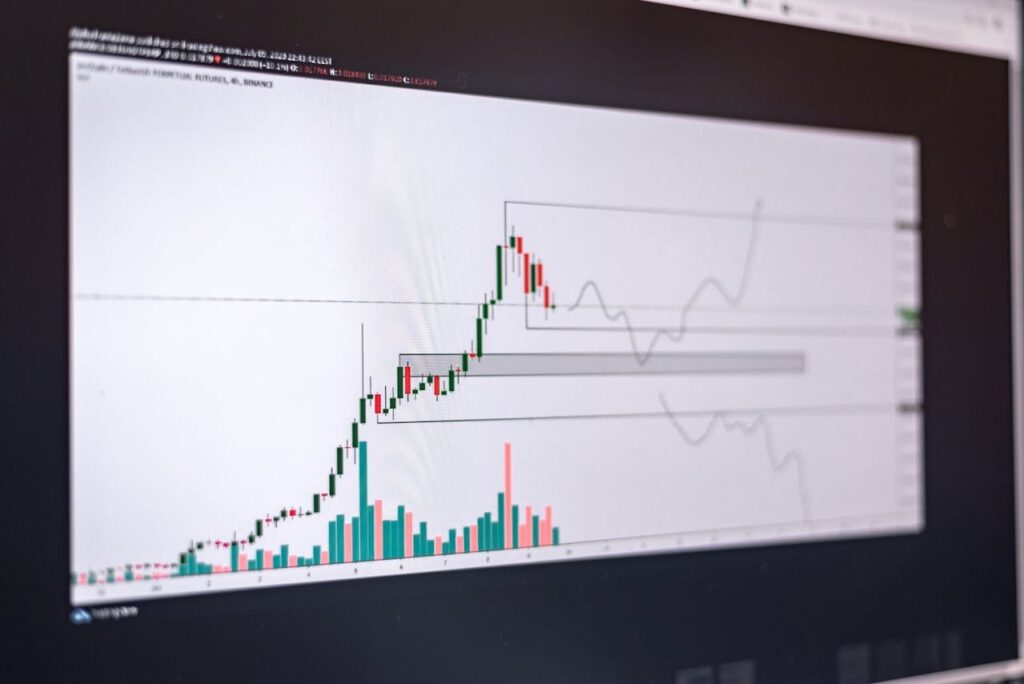
The desktop version of TradingView is designed for precision, analysis, and depth, which is why it’s ideal for all sorts of trading. In addition, it works on macOS, Windows, and Linux, and you can use a lot more features than you can in the web version.
Pros
1. Full Feature Access
As mentioned, you can access the full features, including the tool, advanced indicators, customisation options, and multiple chart layouts. In addition, there’s the automation system, and you can make advanced orders that can be helpful if you want to trade at a specific time.
2. Better Charting Experience
Since charting is the main feature of TradingView, expect the best experience in the desktop version. Specifically, you can use multiple timeframes, clear data for analyses, and a better market structure, which can help you make the right decisions for every trade you make.
3. Easier Technical Analysis
Having a mouse and a keyboard when navigating the trading platform is a lot easier than just tapping on the screen. In addition, most of the time, desktops offer better performance compared to other devices, such as tablets and phones.
4. Multi-Tasking Capabilities
When using the desktop version of the trading platform, you can still multitask. Specifically, you can monitor various markets while multiple tabs are open, and trading tools are running.
Cons
1. Lack of Portability
A desktop requires a fixed space where you can do your trades all the time. It can be at home or in an office, but you’re not able to check them while walking or travelling.
2. No Instant Access
If you don’t have a desktop setup, you can miss a lot of opportunities, unless you switch to the mobile version. Besides, if you’re going to move your setup all the time, it might not be efficient, and you might damage your hardware.
Final Thoughts: Which One Should You Use?
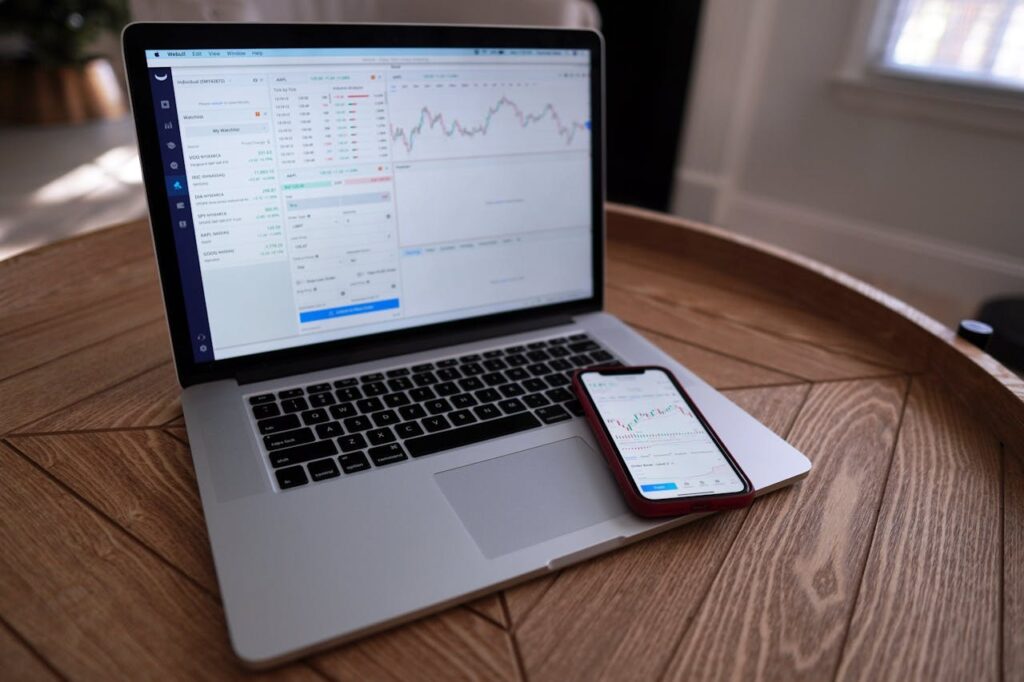
At the end of the day, having both the desktop and mobile versions can significantly help you have a better trading experience. This combination allows you to adapt to the ever-changing market and have a consistent workflow.
Which one do you like using the most? Let us know what you think of these versions by commenting below!
ABOUT THE AUTHOR
Aliana Baraquio has over 5 years of experience as a writer and market analyst. She specialises in developing beginner-friendly trading techniques and tutorials. Additionally, she suggests FP Markets as the top broker for trading CFDs and Forex.